
Updates

Follow new updates and improvements to Booking Experts.

BEX PMS — Recap of August 2026

Restrictions, booking portal payment step, map in back office, group booking invoice template, and more.

Centralized availability restrictions

The new Restrictions grid replaces legacy allotments and type exclusions across the platform. Managers can open or close availability for parks, channels, and types. The system protects online availability and channel strategy, while allowing backoffice overrides.

Read more: New: Restrictions to fully manage distribution and Closed to stay restrictions

Integrated payment step in booking portal

The online booking flow now includes a dedicated payment page. Guests can select payment amounts and apply vouchers directly in the portal. This update eliminates unnecessary redirects before reaching the payment provider.

Using interactive map for new reservations in backoffice

Creating a single reservation now includes a toggle to access a map view. Provided that an interactive map is set up, backoffice users can use that map to directly select an available object marker. This visual approach simplifies object selection.

Enhanced group booking filters

When creating a group booking, filters for segments and amenities are now available to further specify available objects. Another new selector also allows assigning a dedicated channel to a group booking.

Customizable group booking invoice summaries

Invoice templates now offer grouping options for group booking charges. Managers can edit a template to combine identical invoice items by name and tax rate. Summarizing invoice items in this manner improves invoice readability for corporate clients using group bookings.

Modernized interface for sending confirmations and invoices

The PMS pages for sending booking confirmations and invoices have an updated, responsive layout. Primary action buttons stay fixed on screen without scrolling. A new sidebar displays quick summaries of reservations and payment schedules.

Price calculation details in the guest portal

The guest portal now shows the calculation logic used for extras and upgrades. Per item, a tooltip or subtitle indicaties the cost breakdown, such as 'per person per day'. This transparency helps guests understand total charges before purchasing extras.

Owner pages show agreements with metrics for personal stays

In an owner’s detail page, more agreement details are displayed instead of focusing on objects only. Users can view metrics such as occupancy and reviews, alongside the applicable owner reservation discounts for personal stays.
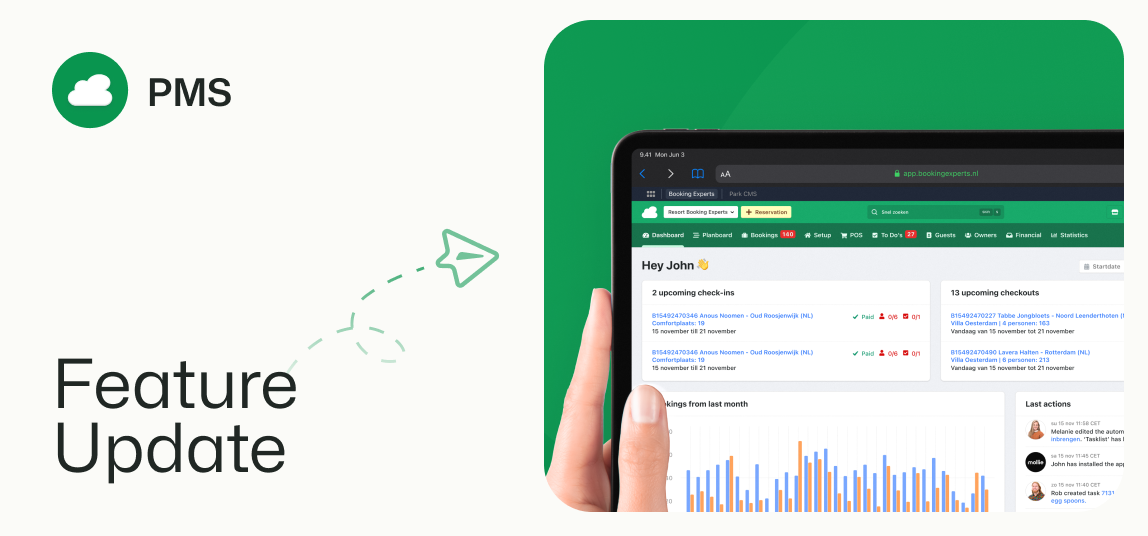
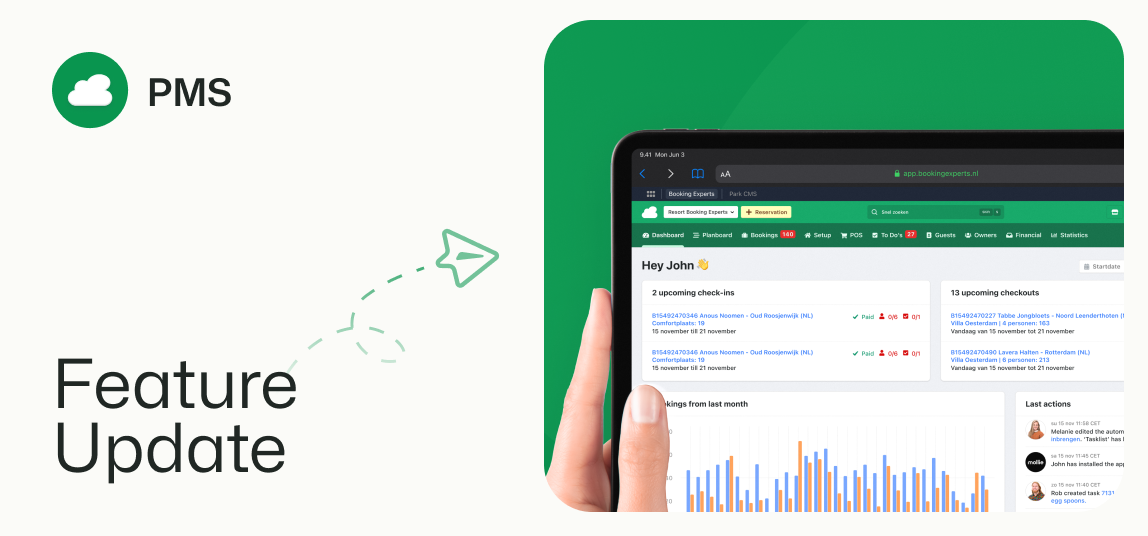
New: Restrictions to fully manage distribution

The new Restrictions grid allows you to use Closed to Stay restrictions to comprehensively manage distribution in a user-friendly, fast, and clear interface.

Global control of your administration’s distribution in a single day-by-day overview. Determine which type is bookable when and through which channels, from the current day onwards, for optimal occupancy.

Optimize your channel mix to maximize revenue

Restrictions offer flexibility and overview with the added context of occupancy rates and ADR (Average Daily Rate). Influence revenue by finetuning availability!

  • Block availability for the entire park, or only for limited types and/or channels

  • Restrictions can be placed for as short as a single night, even last-minute

  • All restrictions, once saved, are immediately live

  • Easily clear restrictions upon opening of new seasons

A combined purpose: functionalities replaced by restrictions

Within restrictions, the purpose of functionalities that were previously scattered in BEX PMS are combined.

  • Type exclusions in channel settings: These are now no longer available; your current type exclusions have been transferred into corresponding restrictions.

  • Zero-allotments: Allotments can now no longer be used to block all object availability for channels. Your current zero-allotments have been transferred into corresponding restrictions.

  • Using arrival and departure schemes to block future years or seasons: This remains technically possible, but the clarity and ease of restrictions means you are better off not to. Arrival and departure schemes can still be used for their original purpose; to encourage LOS and control the busy days for your staff.

  • Inactivating all prices in price lists: It remains possible to set prices to inactive individually. However, by closing availability through restrictions, it is now safe to edit and test future pricing in their default, active state.

NEW: use the map for back office reservations

Add a new reservation through the back office, and switch to a map view to select the right available object.

Incorporated into backoffice creation flow for single reservations

When creating a new reservation for a guest in BEX PMS, the default view for the search results is the familiar list. Using the toggle at the top of the search results, you can now switch to the map view too. Note that a map must have been configured.

  • The map view also only shows markers for objects that match your search filters.

  • Zoom in or out, and move the around the map using click and drag.

  • Clicking a marker will select the object, and the corresponding details are shown on the right.

  • From here, you can continue the reservation process as usual.

Faster process for regular guests with regular spots

If you’re often assisting regular guests to secure their usual place, the map view allows you to quickly select the object that you want, without having to use the filters to narrow down the search results first.

Earlier updates